passgen - Fast, Secure Password & Passphrase Generator
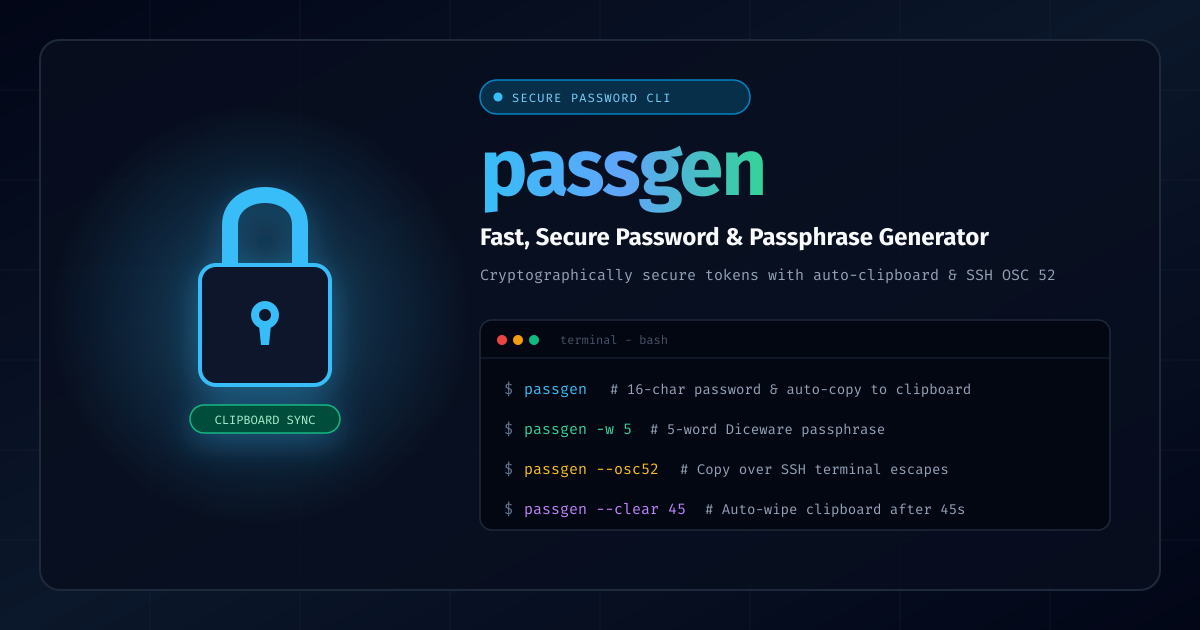
Generating strong, unique passwords shouldn't require clunky GUI tools, browser extensions, or internet access. While Linux and Unix environments have plenty of ways to generate random strings, most ad-hoc one-liners suffer from weak randomness, missing clipboard integration, or awkward character sets.
passgen solves this by packaging cryptographically secure entropy, flexible character modes, clipboard auto-clearing, and seamless SSH clipboard pass-through into a portable, zero-overhead shell utility.
What is passgen?
passgen is a fast, versatile password and passphrase generator written for Unix/Linux environments. It leverages high-entropy system random sources (/dev/urandom and openssl) to produce cryptographically resilient secrets for command-line workflows, automation scripts, and daily use.
Whether you need a high-entropy 24-character alpha-numeric password, a memorisable 5-word Diceware passphrase, or a clean 6-digit numeric PIN, passgen handles it with concise flags and intuitive defaults.
Check out the project documentation at joshuacox.github.io/passgen or visit the GitHub repository.
Key Features
- Robust Cryptographic Randomness: Pulls entropy directly from
/dev/urandomor OpenSSL. - Universal Clipboard Support:
- Automatically detects and copies to Wayland (
wl-copy), X11 (xclip,xsel), and macOS (pbcopy). - Terminal-based OSC 52 escape sequences (
--osc52) allow clipboard copying even over remote SSH sessions into headless servers without X11 or Wayland forwarding!
- Automatically detects and copies to Wayland (
- Auto-Clearing Clipboard: Wipe secrets from the clipboard buffer after a custom timeout (e.g.
--clear 45seconds) to prevent accidental pastes or snooping. - Passphrase / Diceware Mode: Generate multi-word passphrases using customizable wordlists and delimiters (
-w 5 -d '-'). - PIN & Numeric Generation: Generate numeric PINs of any length (
-p 6). - Character Filtering & Ambiguity Prevention: Easily exclude similar characters (
1,l,I,0,O) or avoid troublesome shell metacharacters. - Multiple Output Generation: Output batches of passwords (
-c 5) for user provisioning or key rotations. - Quiet Mode: Clean output (
-q) designed for pipes, variables, and automated provisioning scripts.
Quick Installation
One-Line Bootstrap
Install immediately to ~/bin or /usr/local/bin:
curl -sL https://raw.githubusercontent.com/joshuacox/passgen/master/bootstrappassgen.sh | sh
From Source (Make)
Clone and install with standard Makefile targets:
git clone https://github.com/joshuacox/passgen.git
cd passgen
sudo make install
Ansible Galaxy
Include passgen across your fleet using Ansible:
ansible-galaxy install joshuacox.passgen
Usage & Examples
1. Default Strong Password
Generate a standard high-entropy password:
passgen
2. Specify Length & Copy to Clipboard
Generate a 32-character password and automatically send it to your system clipboard:
passgen -l 32 -C
3. Remote Clipboard Copying over SSH (OSC 52)
When working on remote cloud VMs or headless servers without display forwarding, copy directly to your local workstation's clipboard using terminal escape sequences:
passgen -l 24 --osc52
4. Auto-Clear Clipboard after 30 Seconds
Copy to clipboard and schedule memory wipe after 30 seconds:
passgen -C --clear 30
5. Diceware Passphrases
Generate a 5-word memorable passphrase separated by dashes:
passgen -w 5 -d '-'
Output: correct-horse-battery-staple
6. Numeric PIN
Generate a 6-digit one-time PIN:
passgen -p 6
7. Scripting & Clean Output
Silently capture a generated password into an environment variable without headers or trailing noise:
NEW_SECRET=$(passgen -l 20 -q)
Links & Resources
- Project Site: https://joshuacox.github.io/passgen/
- GitHub Repository: https://github.com/joshuacox/passgen
- Report Issues: https://github.com/joshuacox/passgen/issues