randosay - Random ASCII Art, Fortunes, and Stylized Terminal Rules
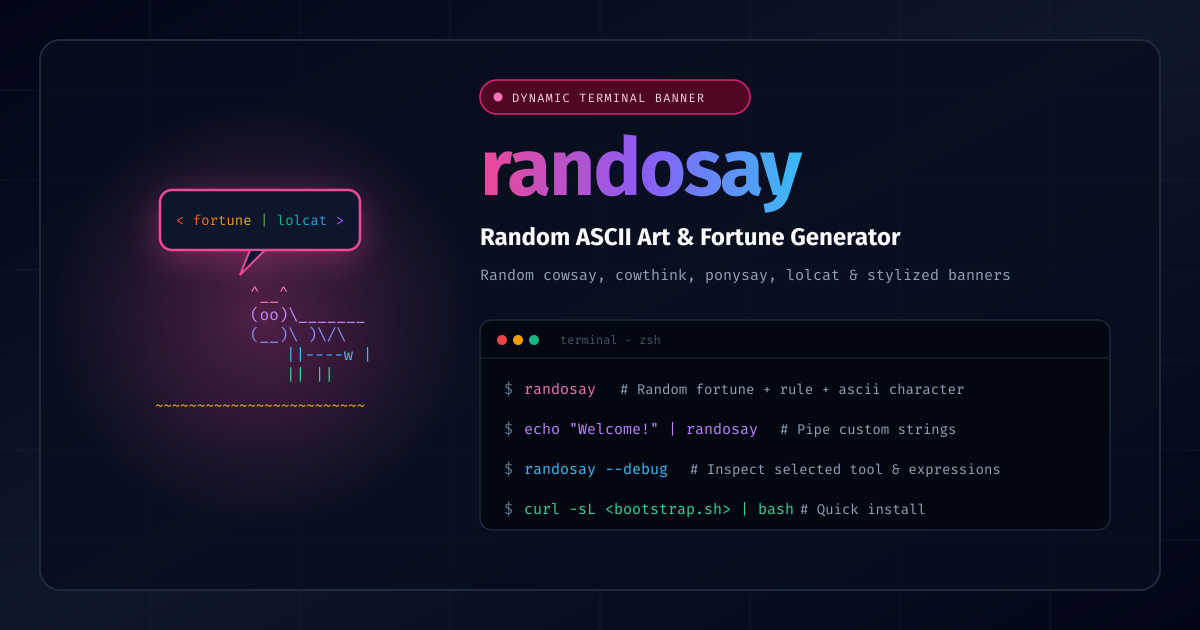
Terminal greeting banners and Message-Of-The-Day (MOTD) scripts are classic Linux customization staples. But staring at the exact same static ASCII art or predictable fortune every time you open a new shell tab quickly gets stale.
To inject some variety and retro flair into your terminal startup, check out randosay (GitHub repository).
What is randosay?
randosay is a zsh/bash utility that generates dynamic terminal eye-candy:
- Dynamic Horizontal Rules: Generates a randomized full-width horizontal rule using a selection of 50+ diverse glyphs and boundary characters matched to your terminal's column width (
$COLUMNSortput cols). - Randomized ASCII Speakers: Randomly selects between
cowsay,cowthink,ponysay,ponythink,botsay, or plain text. - Randomized Facial Expressions: Passes random expression flags (such as borg
-b, dead-d, greedy-g, paranoid-p, stoned-s, tired-t, wired-w, or youthful-y). - Rainbow Colorization: Automatically pipes through
lolcatfor vibrant rainbow gradients when installed. - Enclosing Bottom Rule: Seals the output with a closing rule for clean separation in terminal sessions.
Usage Examples
-
Generate a random fortune banner:
randosay -
Pipe custom text or build notifications:
echo "Deployment Complete!" | randosay -
Debug which character, tool, and expression were rolled:
randosay --debug -
Add to your shell startup (
~/.zshrcor~/.bashrc):if command -v randosay &>/dev/null; then randosay fi
Quick Installation
Run the one-liner bootstrap installer:
curl -sL https://raw.githubusercontent.com/joshuacox/randosay/refs/heads/main/bootstrap.sh | bash
Or build and install locally via cmake:
git clone https://github.com/joshuacox/randosay.git
cd randosay
cmake .
make
sudo make install
Nix Flakes are also supported out of the box:
nix profile install github:joshuacox/randosay
Documentation & Live Simulator
Check out the interactive documentation and web terminal simulator:
- Interactive Site: https://joshuacox.github.io/randosay/
- GitHub Repository: https://github.com/joshuacox/randosay