swappy - Create a Linux Swapfile Pretty Darn Quick (PDQ)
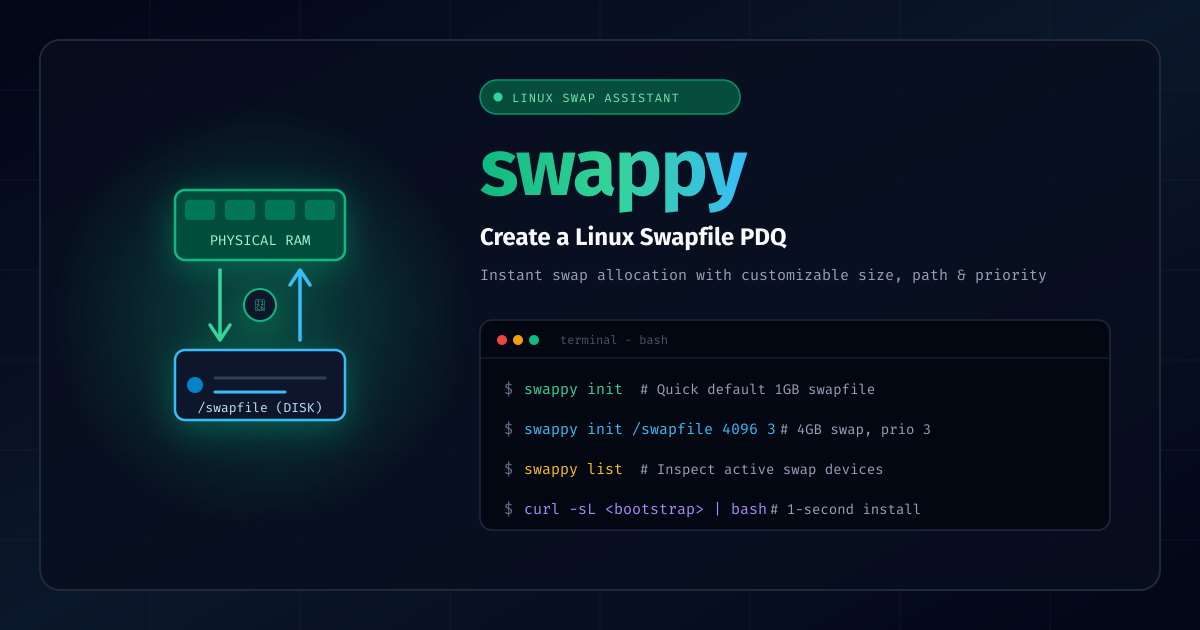
When spinning up cheap cloud VPS instances (like 512MB or 1GB RAM droplets), memory exhaustion is one of the most common issues you encounter. A single npm install, compile step, or Docker build can instantly trigger the Linux Out-Of-Memory (OOM) killer and terminate your process.
Setting up a temporary or persistent swapfile is the classic remedy, but manually typing out dd, chmod 0600, mkswap, and swapon every time you provision a machine is repetitive.
To automate this, I created swappy (GitHub repository), a fast command-line assistant designed to create and activate a Linux swapfile PDQ (Pretty Darn Quick).
What Does swappy Do?
Running swappy init automatically:
- Allocates zero-filled swap blocks using
ddwith progress tracking. - Sets secure ownership and permissions (
root:rootwith0600access mode). - Formats the file with
mkswap. - Activates the swap space with
swapon(optionally configuring swap priority). - Appends a cleanup entry to
/root/deleteswaps.shfor convenient teardown when no longer needed.
Usage Examples
-
Quick 1GB default swapfile:
swappy init(Defaults to
/swapfileof 1024MB at priority 1) -
Specify a custom path:
swappy init /mnt/extra_swap -
Specify path and custom size (in MB):
swappy init /swapfile 4096 -
Specify path, size, and swap priority:
swappy init /swapfile 4096 3 -
List active swap partitions and files:
swappy list
Quick Installation
Run the bootstrap installer directly:
curl -sL https://raw.githubusercontent.com/joshuacox/swappy/master/bootstrap | bash
Or clone the repository and install it to /usr/local/bin:
git clone https://github.com/joshuacox/swappy.git
cd swappy
sudo make install
Ansible deployment is also supported straight out of the box with the included playbook:
make play
Documentation & Links
- Interactive Documentation: https://joshuacox.github.io/swappy/
- GitHub Repository: https://github.com/joshuacox/swappy