vv - The Polite CLI Task Wrapper with Audio & Desktop Alerts
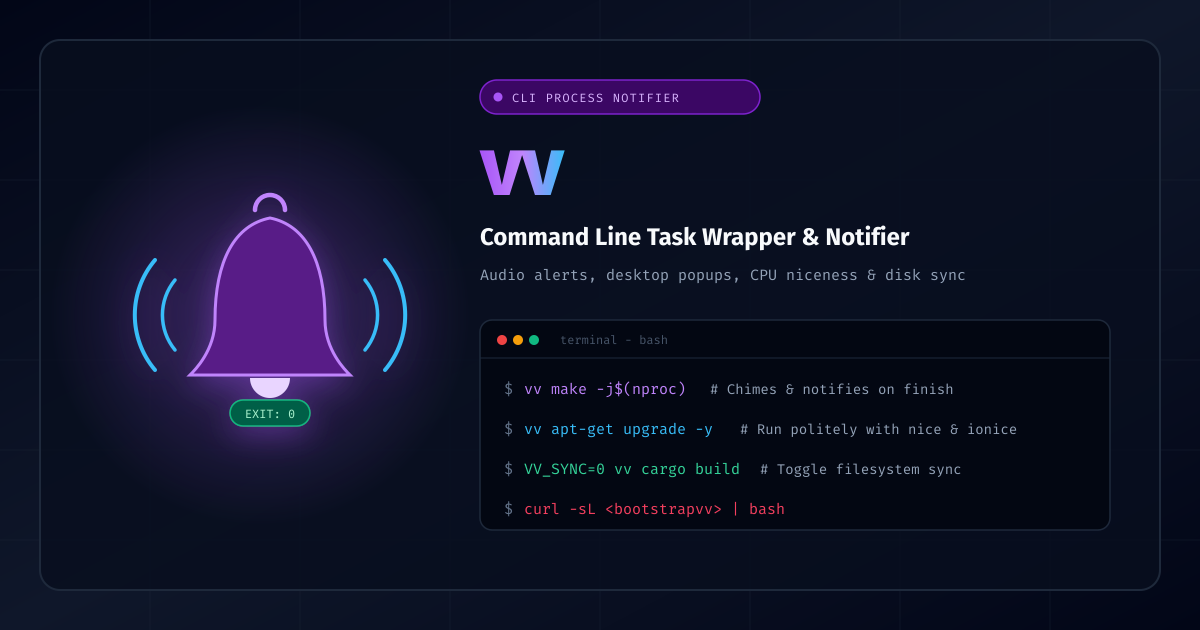
How many times have you launched an extensive build (cargo build, make -j$(nproc), docker build), switched to your browser or another workspace, and completely forgotten about it for twenty minutes after it finished?
To solve this, I built vv (GitHub repository), a lightweight command-line task wrapper that politely executes long-running processes, times their execution, and chimes with distinctive sound cues and desktop notifications the moment they complete.
What Makes vv Special?
vv isn't just an alert script—it’s designed to be a polite Unix citizen:
- Audio Cues on Completion: Plays audio upon finish. It distinguishes between success (exit
0) and failure (non-zero exit) so you know immediately whether your build passed without even looking at your terminal. - Universal Audio Player Support: Auto-detects whatever player is present on your system—
canberra-gtk-play,paplay(PulseAudio),pw-play(PipeWire),afplay(macOS),aplay(ALSA),mpv,ogg123,ffplay, or falls back gracefully to the terminal bell (\a). - Desktop Notifications: Dispatches native desktop notifications via
notify-send(Linux) orosascript(macOS). - Polite Process Scheduling: Wraps commands automatically in
nice(CPU scheduling) andionice(I/O priority) so heavy compilation doesn't freeze your desktop responsiveness. - Disk Writeback Sync: Runs
syncafter completion so you know the exact time when kernel-buffered writes have safely flushed to physical disk. - Preserves Exit Codes & Arguments: Transparently preserves quotes, spaces, and exit statuses so you can chain it in pipelines (
vv make && vv make test).
Usage Examples
Prefix any command with vv:
-
Run package upgrades and get notified:
vv apt-get upgrade -y -
Compile large projects:
vv make -j$(nproc) -
Compile Rust projects without post-command disk sync:
VV_SYNC=0 vv cargo build --release -
Preserves quotes and whitespace seamlessly:
vv cp -a "VirtualBox VMs" /mnt/backup/
Installation
Install via the one-liner bootstrap script:
curl -sL https://raw.githubusercontent.com/joshuacox/vv/refs/heads/master/bootstrapvv.sh | bash
Or install manually using install or cmake:
git clone https://github.com/joshuacox/vv.git
cd vv
sudo install -m 0755 vv /usr/local/bin/vv
sudo install -m 0644 man/vv.1 /usr/local/share/man/man1/vv.1
Nix Flakes are also supported:
nix profile install github:joshuacox/vv
Documentation & Links
- Interactive Documentation: https://joshuacox.github.io/vv/
- GitHub Repository: https://github.com/joshuacox/vv