NastyMap - Interactive Network Topology, GeoIP, Diffing & Threat Visualization for Nmap
Transforming raw Nmap XML scans into interactive network topologies, geographic threat maps, scan diffs, and terminal TUIs with NastyMap.
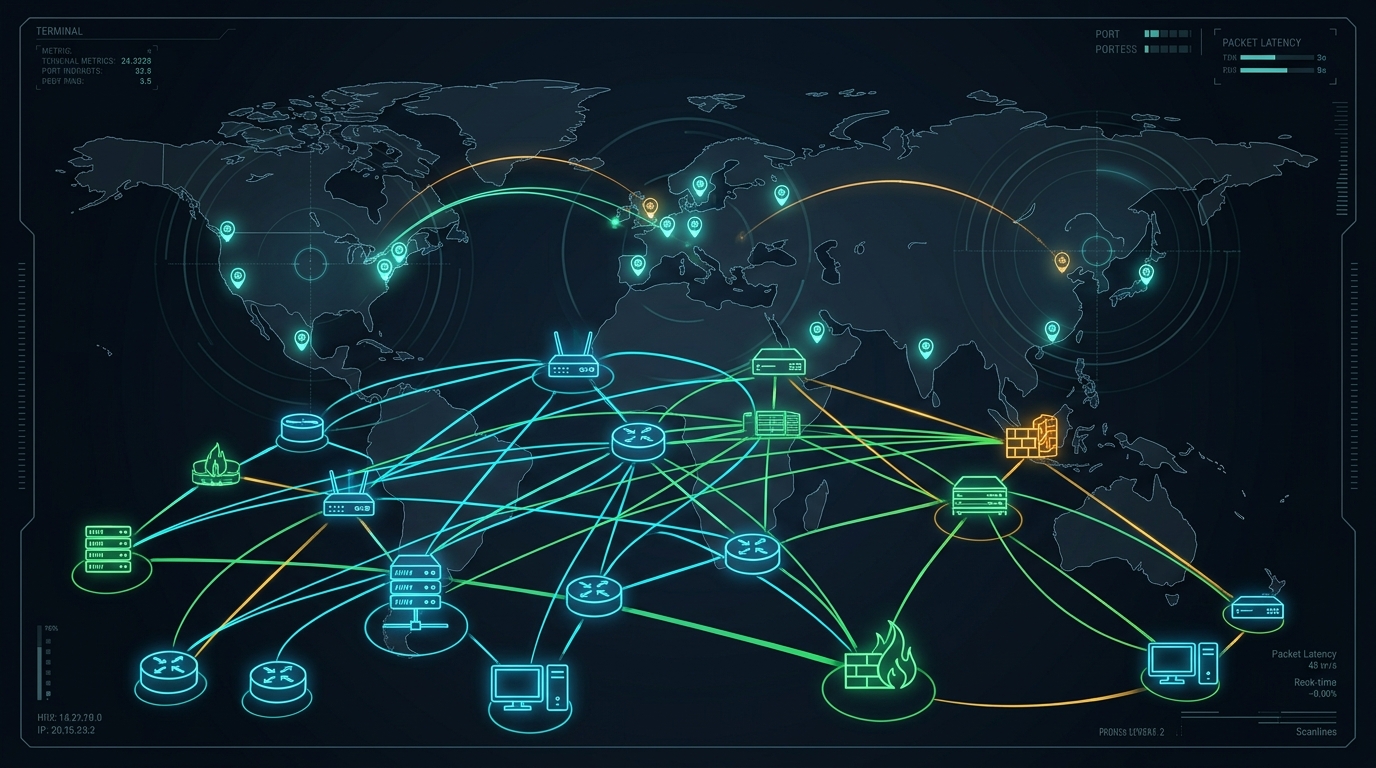
For over a quarter of a century, Nmap (Network Mapper) has stood as the quintessential foundation of network discovery, reconnaissance, and vulnerability auditing. From single subnet sweeps to sprawling enterprise audit ranges, it provides unmatched fidelity across port states, OS fingerprinting, service versioning, and traceroute latency measurements.
Yet for all its analytical depth, visualizing large-scale Nmap scan results has historically remained a challenge. While Zenmap provided early radial topology maps in Python/GTK decades ago, modern systems engineers, penetration testers, and SOC analysts operate in a world of reactive web apps, high-resolution monitors, and terminal multiplexers.
Inspired directly by Fyodor's classic Google Summer of Code proposal for NmapDiag (Nmap Diagrammer), NastyMap answers a simple yet essential premise:
If Nmap is called the Network Mapper, it should generate a stunning map!
Available today as both an interactive web showcase at tekromancy.github.io/NastyMap and as an open-source React/TypeScript monorepo at github.com/tekromancy/NastyMap, NastyMap transforms raw Nmap XML output into interactive force-directed graph diagrams, geographic threat overlays, security diff engines, and terminal TUIs.
Core Architectural Pillars
NastyMap is architected as a high-performance monorepo designed for both standalone use and library integration:
NastyMap/
├── packages/
│   └── nastymap/             # Reusable React/TypeScript visualization library
│       ├── parser/           # High-speed streaming Nmap XML parser (fast-xml-parser)
│       ├── topology/         # Graph layout engine (Force 2D, Traceroute Tree, Radial, Subnets)
│       ├── geoip/            # IP geocoding & world map coordinate projection
│       ├── diff/             # Scan comparison engine (Added, Removed, Modified states)
│       ├── export/           # Vector SVG, high-res PNG, & standalone HTML reports
│       └── components/       # Headless React components & OS icon registry
└── apps/
    ├── nastymap-example/     # Flagship Next.js 16 + React 19 App Router showcase
    └── nastymap-ink-example/ # Interactive Terminal User Interface (TUI) built with Ink CLI
1. Multi-Layout Graph Topology Engine
Network scans rarely fit a single mental model. A flat enterprise office network requires a completely different visualization than a multi-tier routing architecture with dozens of intermediate hops.
NastyMap provides four dynamic layout modes out of the box:
- Force-Directed 2D Graph: Physics-driven graph clustering where nodes repel and links act as springs. Routers and managed switches naturally form central hubs, with workstations, printers, and IoT devices orbiting their respective gateways.
- Traceroute Hierarchical Tree: Leverages Nmap's
--tracerouteXML data to chart the exact parent-child network paths from the scanner host through intermediary routers to target endpoints, annotated with round-trip time (RTT) latency metrics. - Radial Concentric Rings: Organizes target hosts in concentric orbits based on network distance and hop count from the scanner origin, making perimeter hosts and core servers immediately distinguishable.
- Subnet Matrix: Automatically groups and visually segments multi-VLAN or CIDR ranges into partitioned clusters, allowing security teams to pinpoint cross-subnet exposures.
Every node in the graph displays operating system badges (Linux, Windows, macOS, Cisco IOS, BSD, Android), open port tallies, and clickable inspectors detailing service versions and banner grabs.
2. Geographic Threat & GeoIP Mapping
When scanning public IPv4/IPv6 ranges or analyzing external perimeter infrastructure, topology alone is not enough.
NastyMap incorporates a built-in GeoIP coordinate resolver and interactive world map projection:
- Flight Arc Overlays: Visualizes connectivity pathways and reconnaissance vectors connecting your scanning vantage point to target endpoints worldwide.
- Country & Regional Clustering: Aggregates external assets by sovereign territory, data center region, and ASN provider.
- Per-Host Threat Telemetry: Click any geographic node to inspect open web listeners (80/443), SSH gateways (22), cloud management ports, and remote access listeners (RDP, VNC).
3. Security Diff Engine: Incident Response & Change Tracking
One of the most powerful workflows in security auditing is differential analysis. Did the firewall migration inadvertently expose internal database ports? Did unauthorized services spin up after a server reboot?
NastyMap includes a dedicated Scan Diff Engine that accepts two distinct Nmap XML files (e.g., baseline scan vs. incident scan) and computes a structured delta:
  Delta Type    Visual Indicator   Security Significance
  ─────────────────────────────────────────────────────────────────────────────
  [+] Added     Emerald Glow       New host discovered or newly opened port
  [-] Removed   Crimson Fade       Service closed, host offline, or filtered
  [~] Modified  Amber Pulse        Service version changed or banner updated
This makes detecting rogue services, unpatched service version downgrades, or perimeter breaches intuitive within seconds.
4. Zero Cloud Lock-In: 100% Client-Side Privacy
In cybersecurity, your network scan XML files are confidential. Uploading an enterprise Nmap scan containing internal IP schemes, service banners, and software versions to a random cloud-hosted server is a serious security hazard.
NastyMap is engineered with zero server dependencies:
- All XML parsing, graph simulation, GeoIP translation, and vector rendering happen entirely in your local browser runtime via Web Workers and React 19.
- No XML data is ever transmitted to an external API or remote storage.
- You can run the web app completely offline, inside isolated air-gapped security enclaves, or host it locally as a static dashboard.
5. Terminal Warriors: The Ink TUI
For operators who spend their days in SSH sessions, tmux panes, or minimalist tiling window managers (like Hyprland or i3), launching a full graphical web browser isn't always ideal.
NastyMap includes nastymap-ink-example, an interactive Terminal User Interface (TUI) built using React Ink:
# Launch the interactive terminal UI
pnpm cli

# Or inspect a specific scan XML file directly in your terminal
pnpm --filter nastymap-ink-example start my-scan.xml
The CLI renders:
- An ASCII hierarchical topology tree directly in your terminal emulator
- A terminal-rendered ANSI world map showing geographic host coordinates
- Interactive keyboard navigation (
↑/↓andEnter) to inspect port and service details - Instant terminal scan diffing for CI/CD pipeline automation
6. The Cyber Threat Hunter Game
Beyond passive visualization, the web showcase includes an interactive game mode: Cyber Threat Hunter.
Built directly on top of the live topology graph, defenders are tasked with identifying rogue pivots, tracking adversary lateral movement across compromised subnets, and containing breached hosts before simulated threats exfiltrate confidential data. It serves as both a gamified training simulator for junior analysts and a stress test for complex network diagrams.
Integrating nastymap into Your React Apps
The core visualization engine is published as a modular library (nastymap) that you can embed into any custom React or Next.js project:
pnpm add nastymap lucide-react
Embedding Network Topology
import React from 'react';
import { NmapTopologyView, parseNmapXml } from 'nastymap';

export function NetworkDashboard({ xmlString }: { xmlString: string }) {
  const scanData = parseNmapXml(xmlString);

  return (
    <div className="w-full h-[600px] bg-slate-950 rounded-xl overflow-hidden">
      <NmapTopologyView
        scan={scanData}
        initialLayout="force" // Options: 'force' | 'traceroute' | 'radial' | 'subnet'
        onSelectHost={(host) => console.log('Selected host:', host.id, host.ip)}
      />
    </div>
  );
}
Embedding Diff Comparisons
import React from 'react';
import { NmapDiffView, parseNmapXml } from 'nastymap';

export function BreachComparison({ baselineXml, currentXml }: { baselineXml: string; currentXml: string }) {
  return (
    <NmapDiffView
      scanA={parseNmapXml(baselineXml)}
      scanB={parseNmapXml(currentXml)}
    />
  );
}
Quick Start & Exploration
You can try NastyMap right now with your own Nmap XML files or sample enterprise scans:
- Live Web Showcase: https://tekromancy.github.io/NastyMap/
- GitHub Repository: https://github.com/tekromancy/NastyMap
- DocBook Man Page: Available in
docs/nastymap.1.xml - Windows NSIS Installer: Build scripts available in
installer/nastymap.nsi
Whether you are auditing a home lab, mapping an enterprise active directory domain, or building a sovereign security operations dashboard, NastyMap gives your network scans the visual depth they deserve.